Ninox Plugins - Introduction
What are plugins?
Building in Ninox was initially intended for non-developers and business users. Over the years, with the evolution of Ninox, our builders community too has evolved, specially the Partner business hiring more developers while additional developers are joining the Ninox community every day. These developers have always mentioned that while the flexibility of Ninox is top-notch, developing with Ninox is too time consuming and tedious.
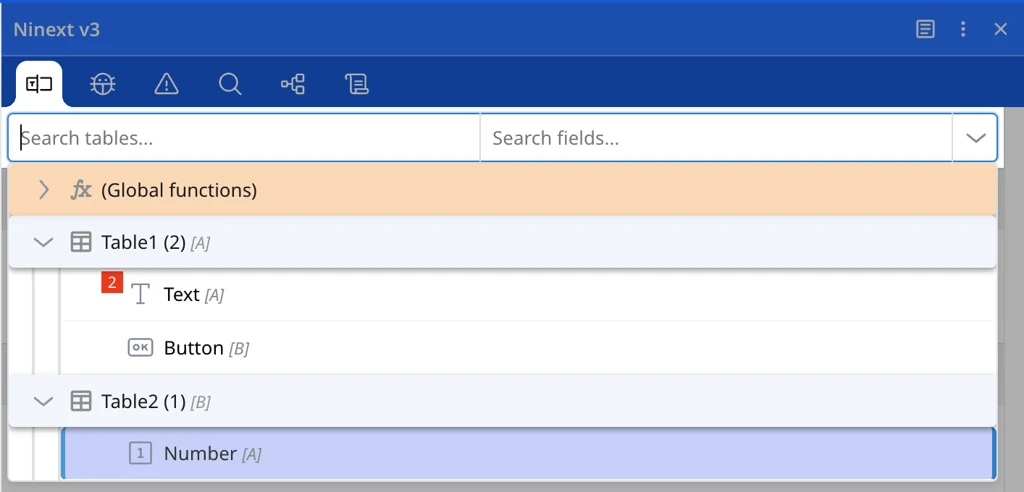
To solve these issues, one of our Community Partners developed an extension on Ninox and named it "Ninext". Ninext hooks into the UI and provides gadgets like a Code finder, debugger, badges, the ability to copy & paste fields and many more. While the extension received great traction in the community, it was still limited by the manual distribution.
Offical Ninox plugins
At Ninox we want to enable our community to develop such extensions and distribute them to other builders. The Ninox Plugins will be a hub to discover such tools like Ninext and install them with only a few clicks. The Plugin builders will be able to
- link their plugins directly within Ninox
- iteratively update and manage versions
- release and communicate
- monetize their IP
Check the "Plugin Apps" category in the forum for news and discussions regarding published plugins.
How to install & use a plugin
Open the plugin page
A Plugin module must be installed per database.
Open a database and switch on Edit mode
Click on the Plugins menu item
Click on Add plugin
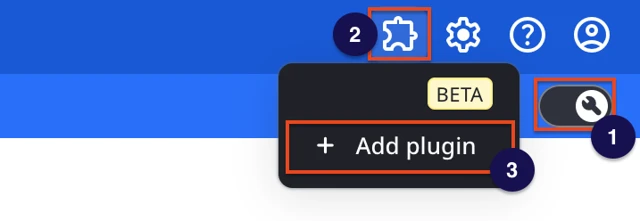
The plugin page will open:
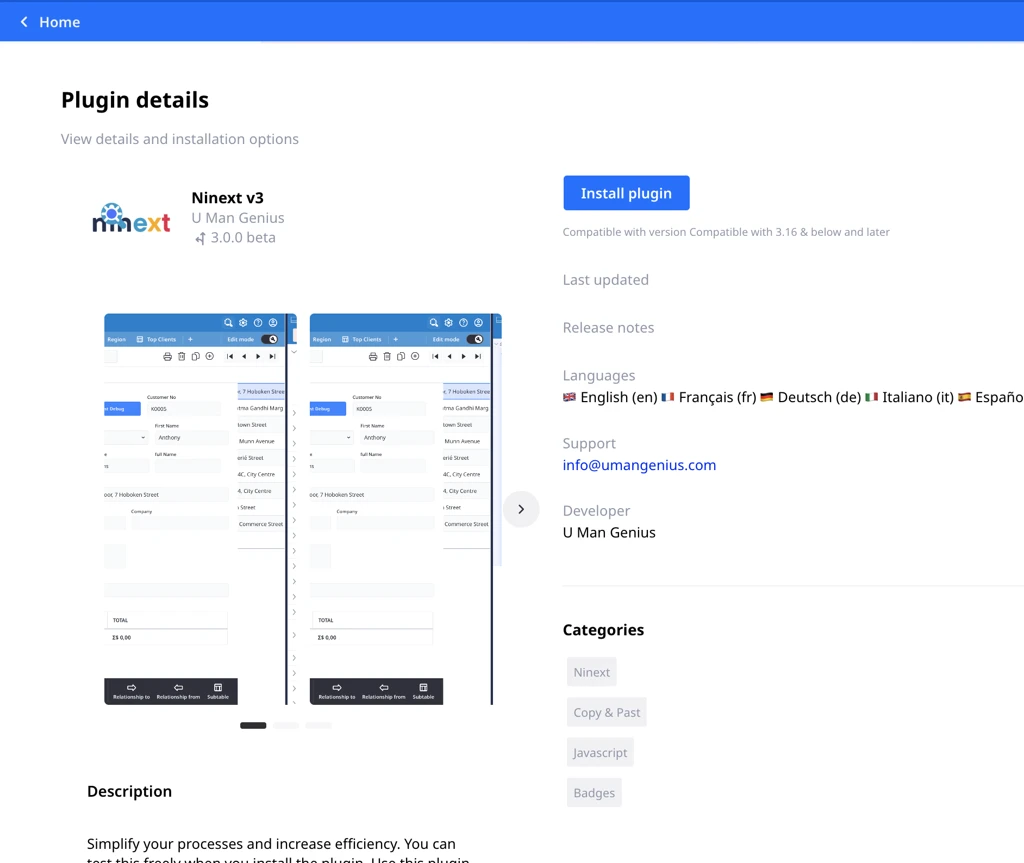
Plugin page for Ninext
Install the plugin
The plugin can be installed by pressing the button Install plugin
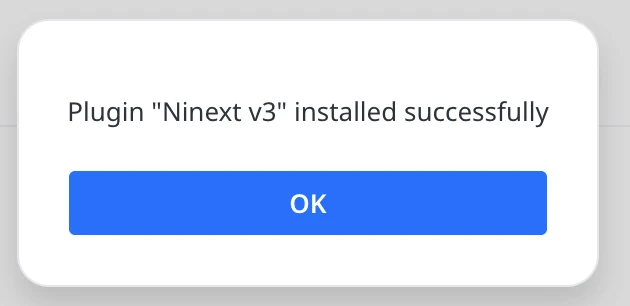
Refresh your browser after installation to load the plugin
Use the Plugin
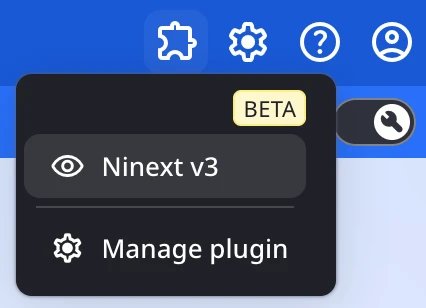
You can now use the plugin: