
Ninext: bugs & fixes
I am opening this discussion so that everyone can post here the issues they encounter with the Ninext plugin version starting from version 3.x.
If you are using Ninext version 2.x, please post your message here instead: https://forum.ninox.com/t/p8h78zv/ninext-project
15 replies
-
1.
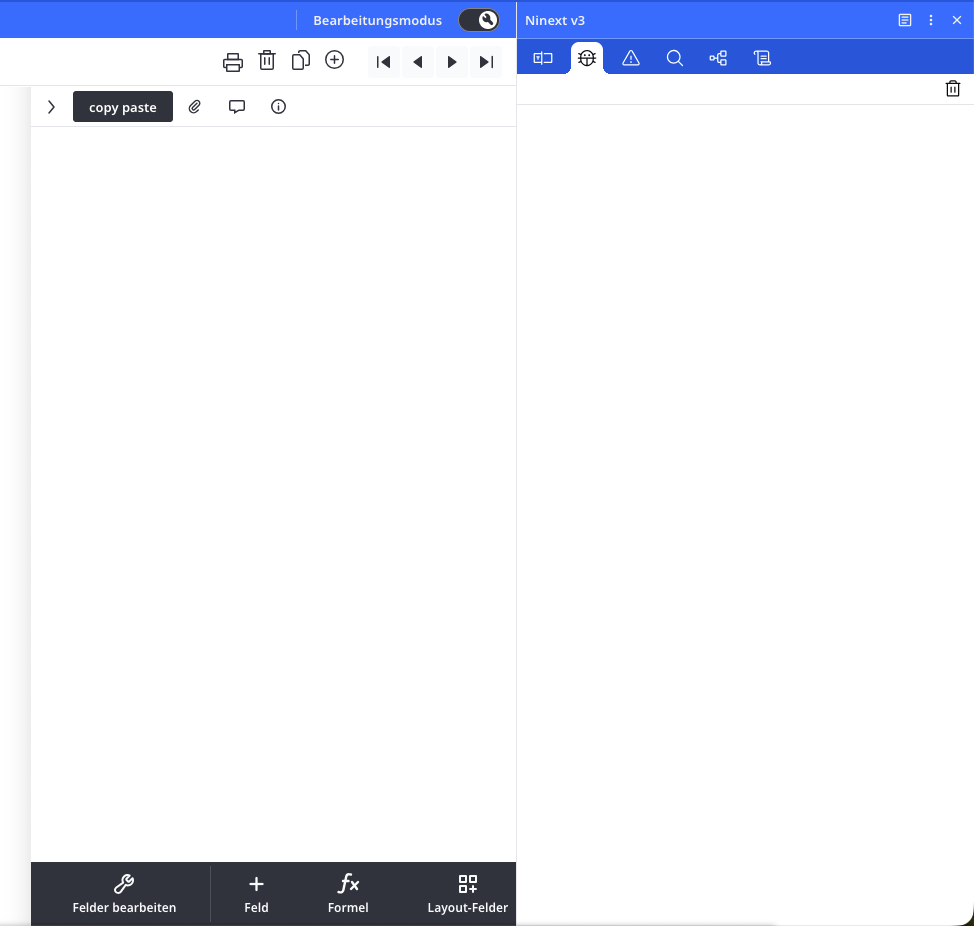
When the Ninext console is open, it hides the table tools. It would be great if it could remain visible without blocking access to other controls while developing.

2.
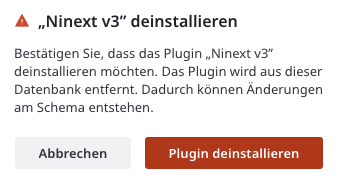
On uninstalling plugins, what changes in the database schema are expected and which implications might that have? Ninox is showing me a warning, but not telling me, what the actual risk is.
3.
I love the copy-paste functionality for fields. 🙏
-
Hello Jacques,
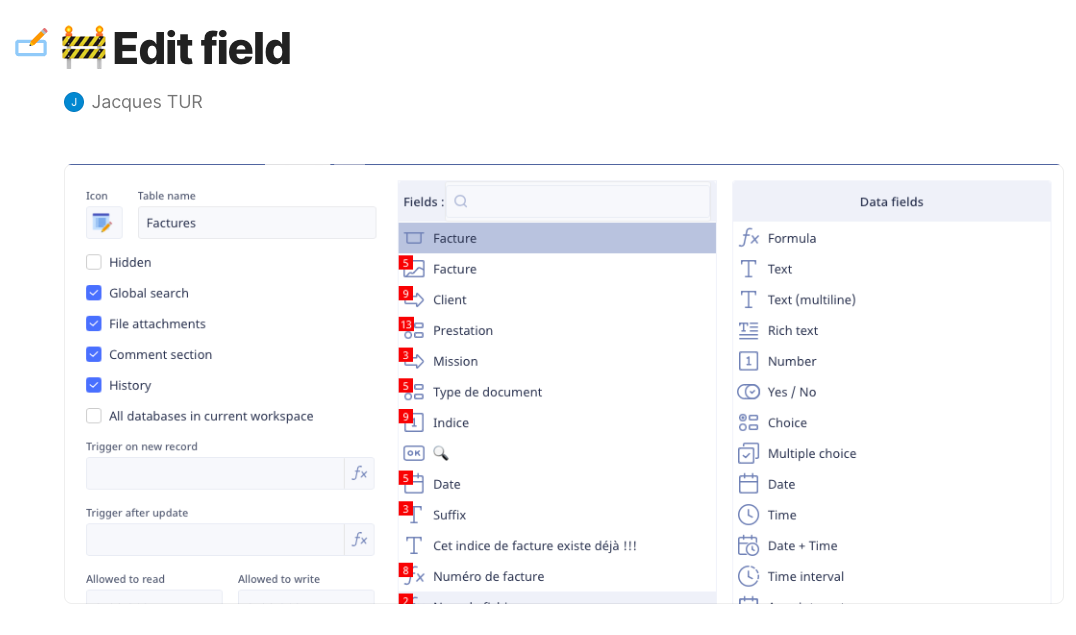
Thank you very much for developing Ninext. I really appreciate the tool since it is provided directly by Ninox. There is one thing I don't understand: What do the badges in the field editor mean and what can I do with them? I just can't figure it out! -
Ninext version 3.0.2 is now available! 🎉
Bug fix:
- Fields & Fx tab did not display when two elements shared the same identifier
Improvements:
- Badges are now clickable: a click directly opens the corresponding field in Fields & Fx
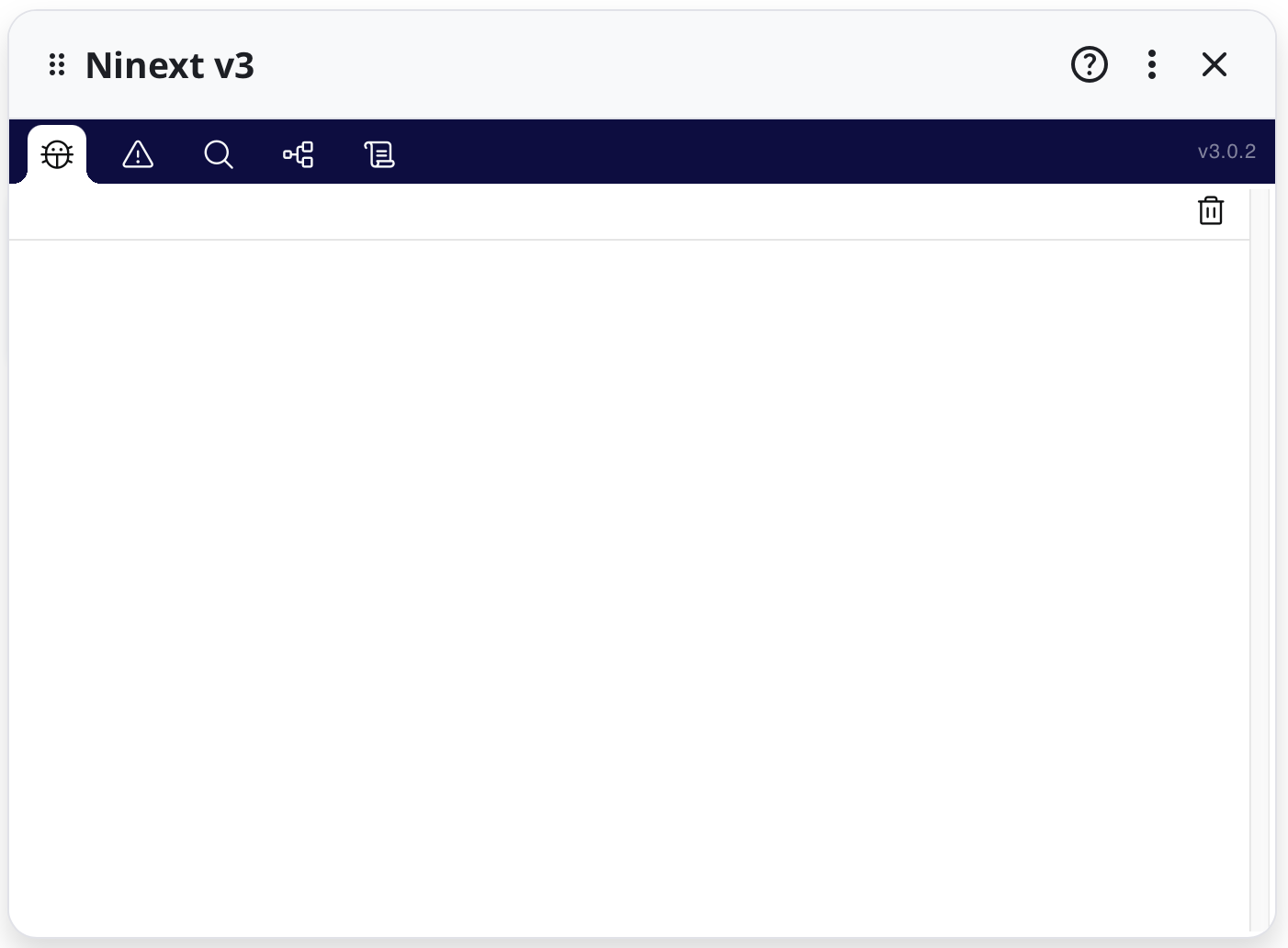
- Version number is displayed in the panel icon bar
- Better sized dropdown menus in the Ninext panel
- Stable panel display without unwanted scrollbars
- Complete isolation from Ninox for better stability
📋 Update details: https://docs.ninext.fr/update-history-56
Happy coding with Ninext!
-
Ninext version 3.0.3 is now available! 🎉
New features:
- Duplicate identifier detection in the Errors tab
- Compilation error messages display
Bug fix:
- Fields & Fx tab did not display correctly with some fields having an empty internal name
Update details: https://docs.ninext.fr/update-history-56#_luZE0gfh
A word of explanation
Some of you may have noticed that bugs already fixed in Ninext Classic (v2.3.x) reappeared in the plugin version (v3.0.x). We apologize for any inconvenience this may have caused.
The transition to the plugin version is not a simple upgrade: it required a significant rewrite of part of the code to adapt to Ninox's new architecture. Version 3.0 was developed in parallel with version 2.3 fixes, which explains why some corrections had not yet been integrated.
We are actively working to harmonize both versions. Thank you for your patience, your understanding and your valuable help in identifying these bugs! 🙏
Happy coding with Ninext!
-
Ninext version 3.0.4 is now available! 🎉
Bug fix:
- Fields & Fx tab crashed when a global function had the same name as a JavaScript method (
filter,map,find,keys, etc.)
📋 Update details: https://docs.ninext.fr/update-history-56#_lu3ut8iX
Happy coding with Ninext!
- Fields & Fx tab crashed when a global function had the same name as a JavaScript method (
-
Ninext version 3.0.5 is now available! 🎉
⚠️ Important fix: This version fixes a bug that could cause code to silently stop in some cases, particularly when executing certain
whereclauses inselectstatements. This bug could lead to malfunctions in Ninox scripts running on the client side (see execution context in the Ninox documentation). We strongly recommend updating.Improvement:
- Modules reserved for administrators are no longer loaded for standard users, improving loading performance
Other bug fixes:
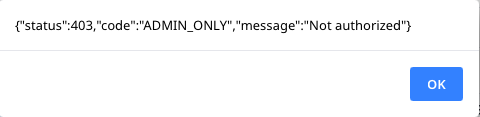
- Unwanted alert for non-admin users when schema was modifie
- Unnecessary saves in Schema Overview
Update details: https://docs.ninext.fr/update-history-56#_lu0SEjee
⚠️ Reminder: The Ninext plugin does not update automatically. To benefit from this new version, you must install it manually: https://docs.ninext.fr/install-update-57
A big thank you to for his valuable help in identifying these bugs and his patience while I fixed them. 🙏
Happy coding with Ninext!

Content aside
-
3
Likes
- 16 hrs agoLast active
- 15Replies
- 254Views
-
7
Following