
Issues after update
Hi,
I'm having serious issues with my print layouts (not working anymore and fields no longer giving data) and formula fields not filling in the form (but they do fill in the table view.) Feels very unstable after the latest update. Btw: I'm working with the Mac Desktop version.
Anyone else experiencing this?
Marjolijn
8 replies
-
Hi, I have issues with forms not loading correctly and just displaying a blank screen, I am working on the android app locally. This issue has only started since the latest update, I’m not sure if this is similar to what you are experiencing. I’m hoping the issue is resolved soon.
-
Report it to support as similar things happened a few weeks back .
-
Hi. Thank you Mel I was unaware of the similar problems in an earlier update, the problem for me is on both iOS and Android even when using earlier database backups.
I have sent a support request to Ninox. Marjolijn it might be worth sending a message to support with your specific issue too. -
Marjolijn,
I too received a similar response from support, as I only use Ninox locally. The issue I experienced was happening even on backups which have worked perfectly before, I examined the table and form for errors and everything seemed fine.
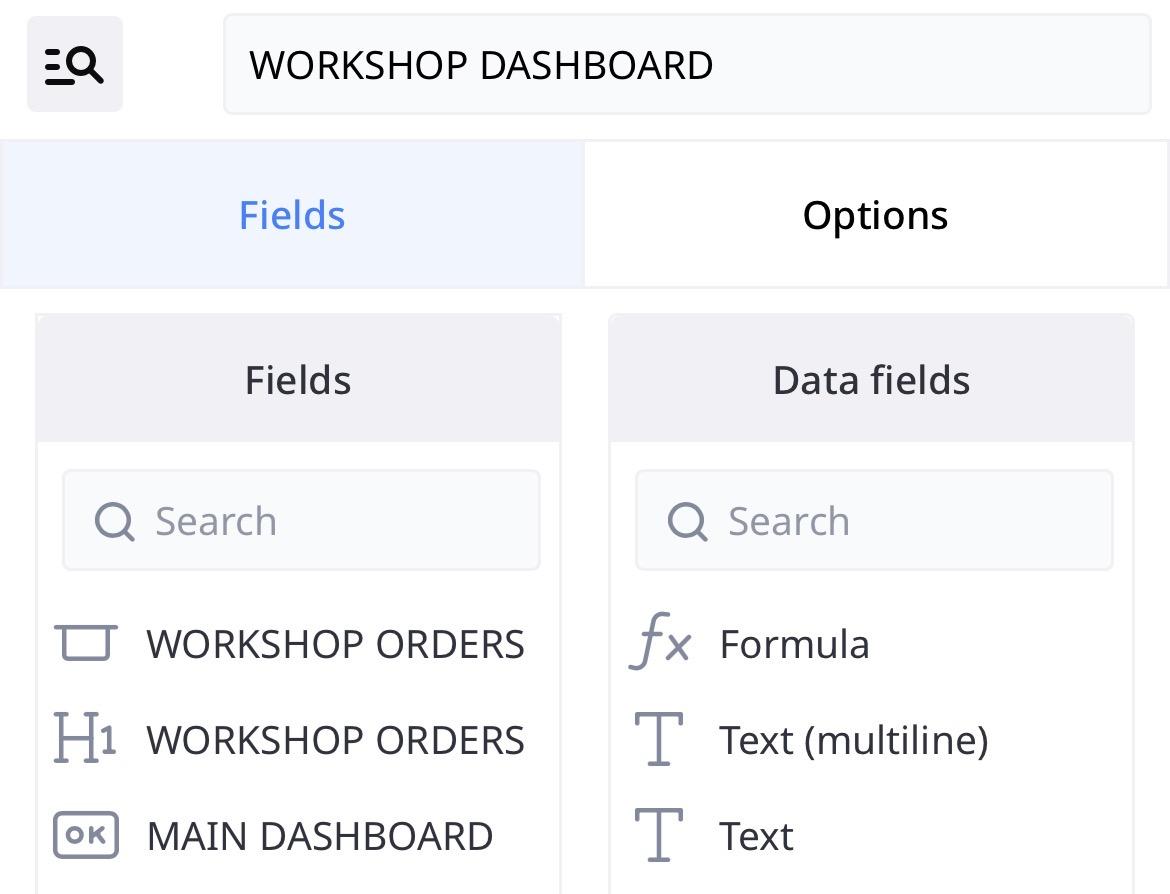
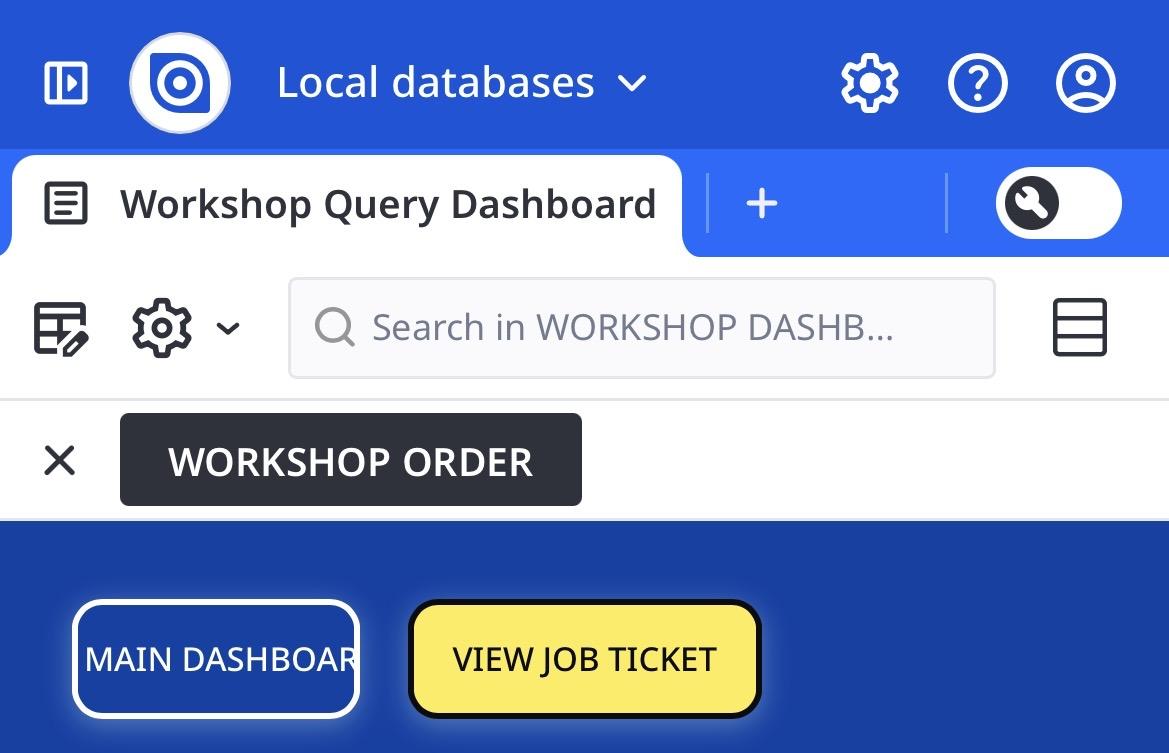
Finally by deleting the FORM TAB and re creating it (I use a TAB to reference and stylise the form) the form now works correctly. I don’t know if this is a similar issue you are having, and something that you may want to check?
Content aside
- 3 mths agoLast active
- 8Replies
- 80Views
-
3
Following