
Ninext project
good evening to all,
I create this post to organize the Ninext project. For those who are new to it, it is composed of several JavaScript modules that allow you to add badges on tabs and buttons, catch selection events on views, execute JavaScript from Ninox script, inspect dependencies between database fields.
This post is here to talk about the project and the procedure for those who would like to implement it in your databases. I would like to take this opportunity to remind you that this is a test project that evolves regularly and I invite you to be cautious and not to use it on commercial databases for the moment.
The sources of the project are available and downloadable on Github.
Thanks to all of you for all your messages of support and for your help to debug and make the project progress a little more every day 🙏.
I made the project initiation procedure evolve thanks to the precious help of M. Daaboul who told me that we could use the Ninox dialog box with HTML code. It is no longer necessary to create a window and an HTML field for this. You just have to copy the code below in the Trigger after open in the Options.
var code := http("GET", "https://raw.githubusercontent.com/JacquesTur/Ninext/main/loadModules.html").result;
dialog("Ninext intialization", "<script>
window.exConfigLoadModules = {
    completion: false,
    badges: true,
    evalJS: true,
    viewEvent: true,
    buttonEvent : true,
    fieldsInspector: true,
    nativeJS: true,

    autoCloseDialog: true
};
</script>" + code, ["close"])
The dialog box will be displayed stealthily then disappear. If you want it to stay displayed with its "close" button, set the autoCloseDialog parameter to false.
315 replies
-
📢 Ninext Update Announcement — Version 2.2.1
Hello everyone,
We’ve just released Ninext version 2.2.1 🎉.
This update fixes several bugs, and I’d like to take the opportunity to thank you all for your feedback — it really helps us keep improving Ninext. 🙏This version also introduces some improvements. Please note:
➡️ the red button no longer opens the formula editor directly.
➡️ a new button has been added in the field path to perform this action.You’ll find all the details explained on the brand-new Update History page in the online documentation:
👉 https://docs.ninext.fr/update-history-46We hope this new navigation approach in Ninox will make it easier for you to create and maintain your code.
Feel free to share your feedback here — your input is always valuable.
And in the meantime, don’t forget to… have fun with Ninext! 🚀
The U Man Genius Team -
🚀 Ninext 2.2.2 is live!
A bug was preventing the preview of attached PDF files within a record.
That’s now fixed ✅
🙏 Special thanks to for spotting the issue and helping us fix it quickly.
Your PDFs are back in preview as expected!
-
Good evening everyone,
We are pleased to announce the release of Ninext version 2.3.0 Beta 🎉
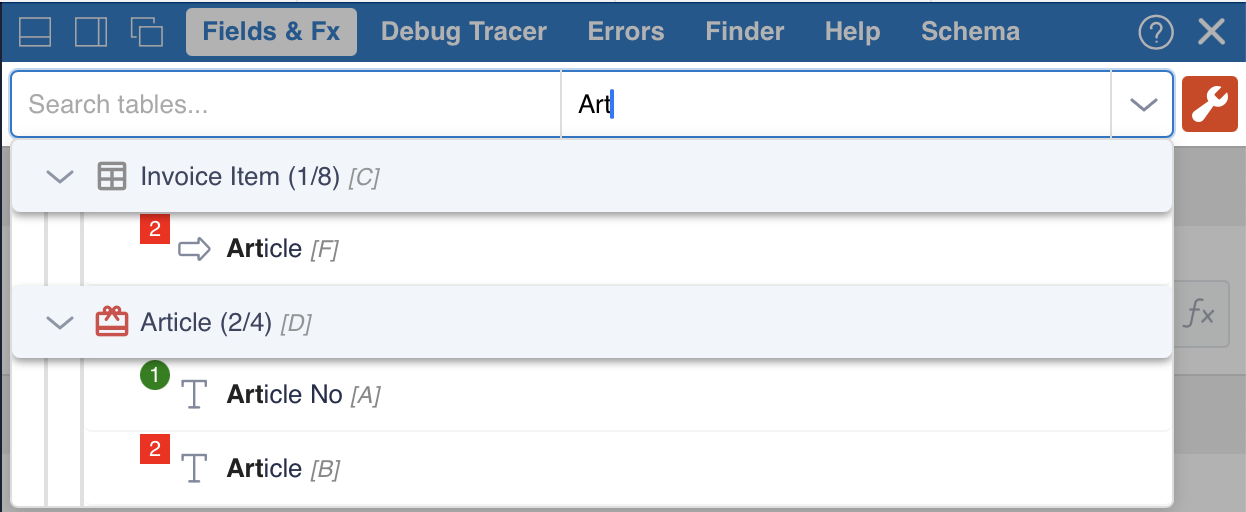
This release includes several important improvements, starting with an enhanced table and field search, making it faster and easier to navigate through your databases.
We have also added two new features that we believe are essential for developing and maintaining your applications:
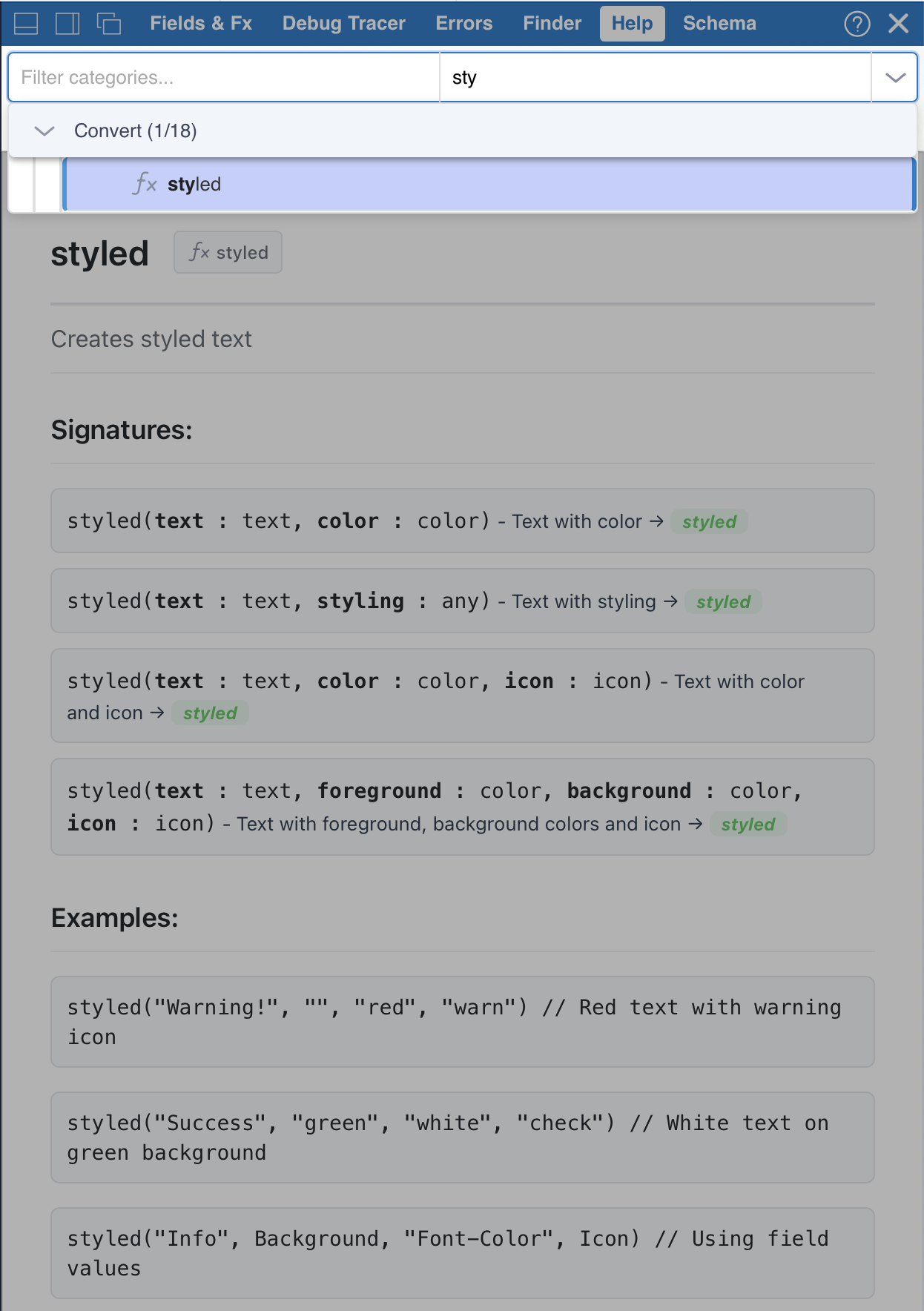
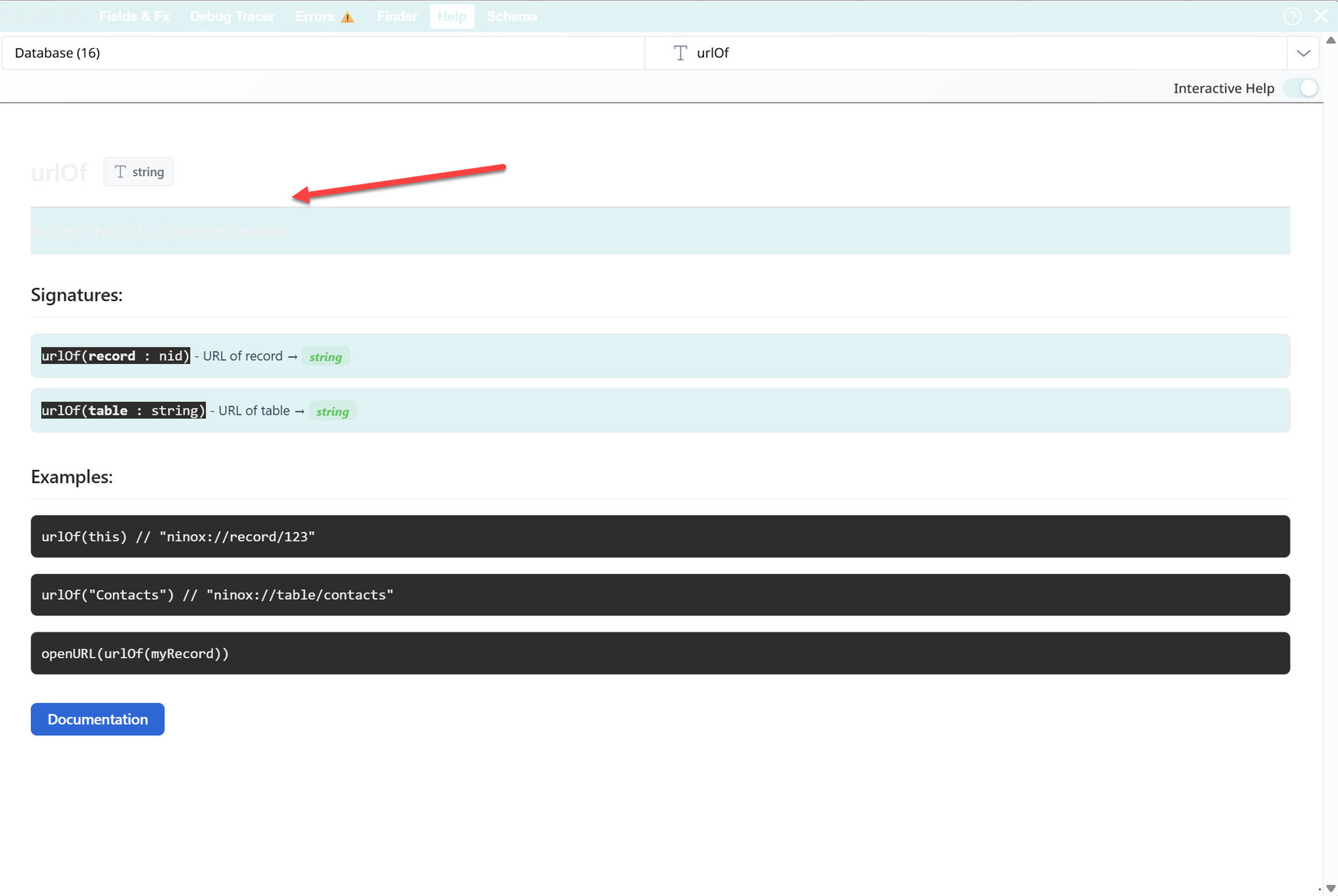
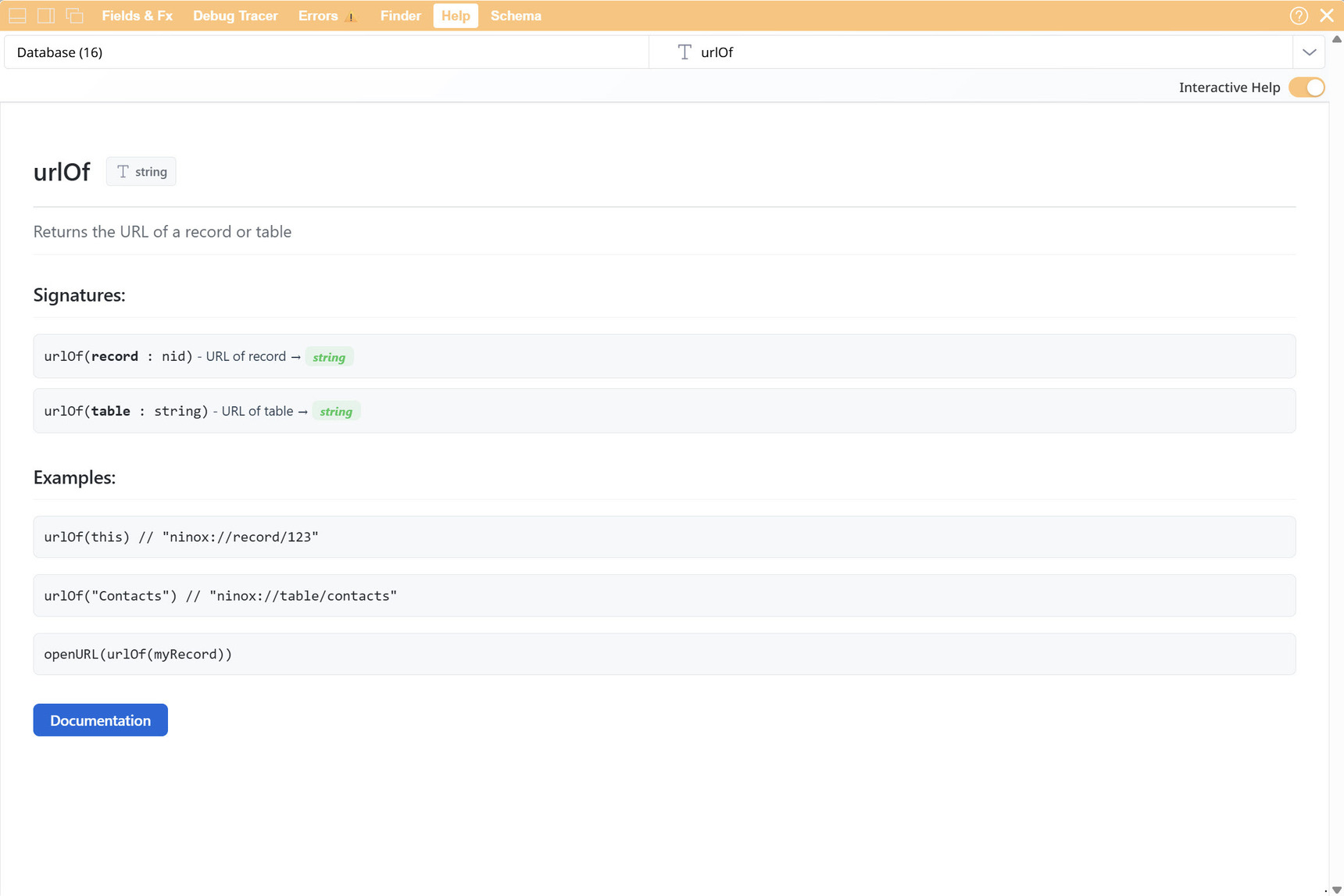
- An interactive online help, providing quick access to Ninox function syntax, as well as any global functions you have developed.
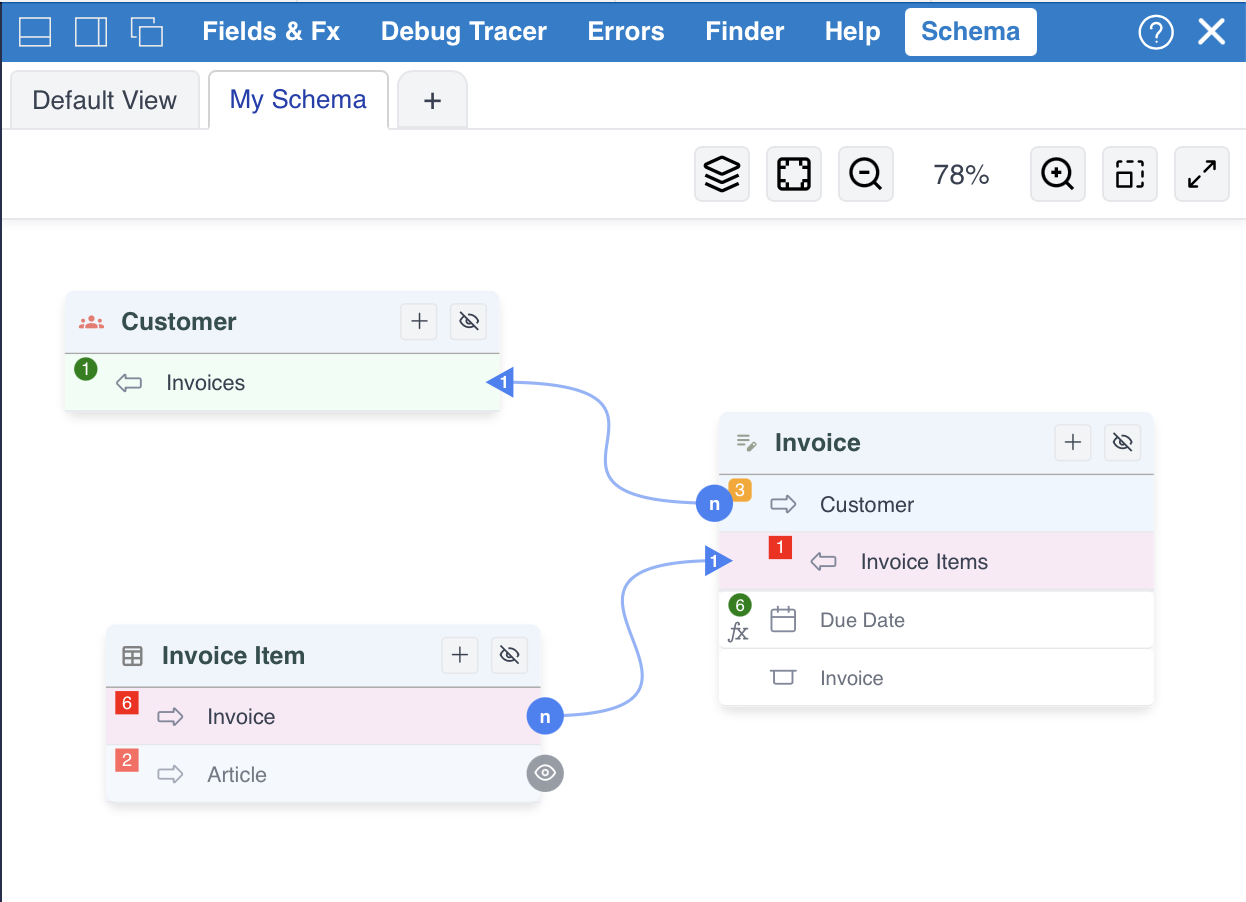
- A table relationship visualization tool, allowing you to quickly understand the structure of all or part of your application at a glance.
The detailed documentation for this update is available here: https://docs.ninext.fr/update-history-46#_luJNkcoU
Jan and I wish you all a wonderful holiday season 🎄✨
-
Hello Jacques, looks great, but I can't use it, because Ninext fails to load in my databases now. There is an error message in the console. Might be the reason. Merry Xmas.
-
For those who need to install a previous version of Ninext, we have detailed the procedure here:
https://coda.io/d/_d-JLmZrpdE4/Installation_sunv1wvM#_lue6Buhs -
Hello everyone,
We have just released version 2.3.1, which fixes a few minor bugs occurring in specific situations.
The detailed list of fixes is available here:
https://docs.ninext.fr/update-history-46#_lui1wptpMany thanks to and for their help and patience.
-
Ninext version 2.3.2 is now available!
This update fixes two drag & drop issues:
- Drag & drop now works correctly on tablets and smartphones in Schema Overview.
- Interactions with clickable elements (buttons, attachments) no longer trigger unwanted field reordering.
Thanks to for reporting these issues.
-
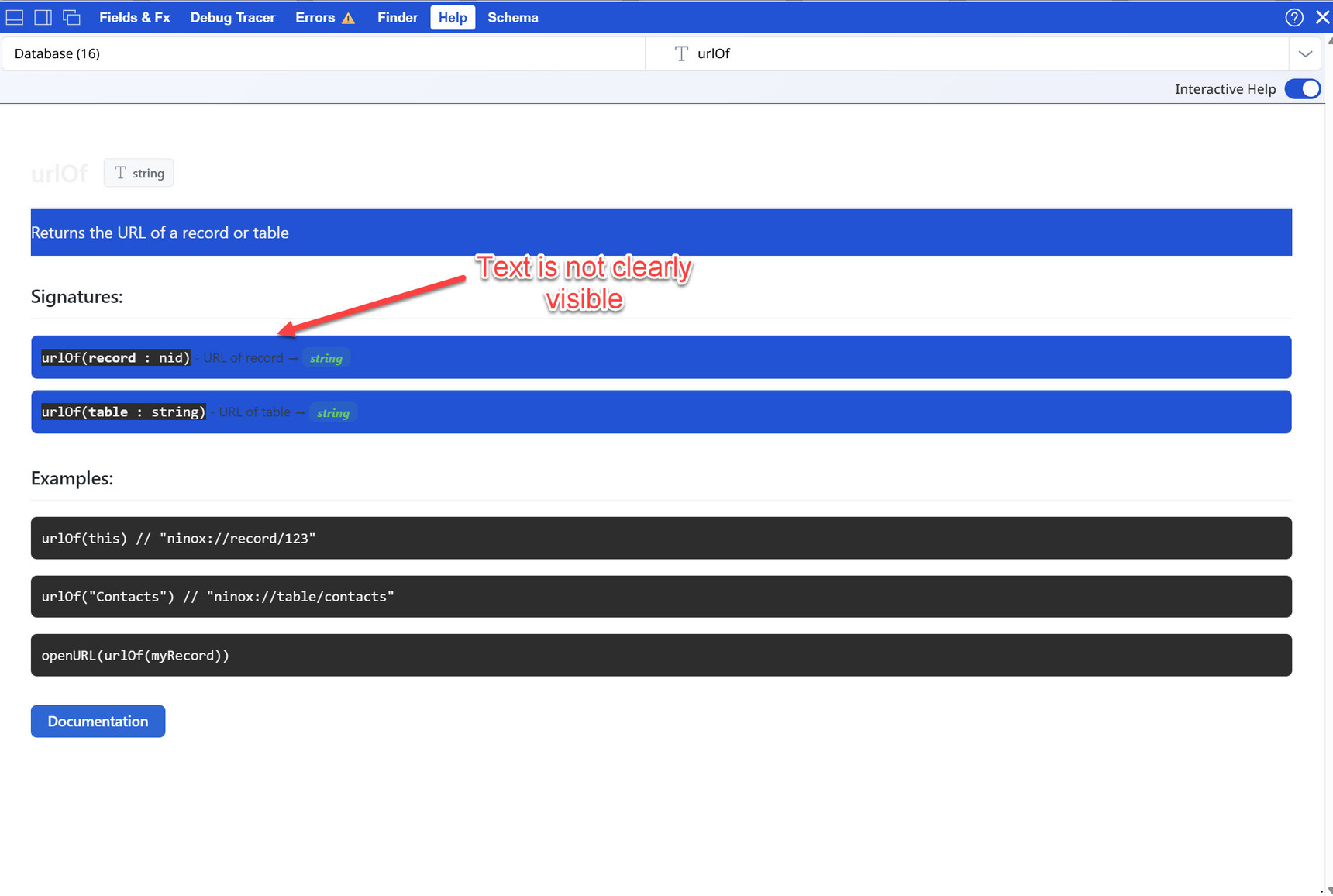
This is amazing. Thanks for the good work! Ninox is actually missing this natively 😉
One more thing, can you adjust the color scheme a little?
-
Hi,
In my database, I am trying to replace all "ui.popupRecord()" methods in my custom HTML formulas with the Ninext HTML helping functions. Still, so far, I have been unable to achieve the same functionality.
To determine if this issue is specific to my database, I attempted to run the following script using the #Ninext 2-1 app, but again without success.
let x := first(select Invoice);
function test() do
    popupRecord(x)
end;
html(---
  <button id='myButton' onclick='ninext.callNinoxFunction("test", this)'>Push to try it</button>
---)
Is this a bug, or am I missing something?
Happy New Year,
Sotirios
-
I got motivated by ' post about using Ninext's HTML helping functions. So here is my first attempt:
function newPopup(irecord : number) do
    let getRec := record(Teams,irecord);
    popupRecord(getRec)
end;
html(---
  <button id = "1" onclick='ninext.callNinoxFunction("newPopup", this, this.Value)'>Push to try it</button>
---)
And sadly it didn't get me anywhere. I know the function works cause if I try it without the html:
newPopup(1)It pops up the record. Again and Again and Again. Glad I didn't break my DB.
But when I add the html nothing works. I'm not sure how to pass along the value of 1. It is only one button, but I would like to build a table of records and have the buttons generated with the rId.
Thanks,
Content aside
-
23
Likes
- 7 mths agoLast active
- 315Replies
- 7692Views
-
45
Following