
Ninext project
good evening to all,
I create this post to organize the Ninext project. For those who are new to it, it is composed of several JavaScript modules that allow you to add badges on tabs and buttons, catch selection events on views, execute JavaScript from Ninox script, inspect dependencies between database fields.
This post is here to talk about the project and the procedure for those who would like to implement it in your databases. I would like to take this opportunity to remind you that this is a test project that evolves regularly and I invite you to be cautious and not to use it on commercial databases for the moment.
The sources of the project are available and downloadable on Github.
Thanks to all of you for all your messages of support and for your help to debug and make the project progress a little more every day 🙏.
I made the project initiation procedure evolve thanks to the precious help of M. Daaboul who told me that we could use the Ninox dialog box with HTML code. It is no longer necessary to create a window and an HTML field for this. You just have to copy the code below in the Trigger after open in the Options.
var code := http("GET", "https://raw.githubusercontent.com/JacquesTur/Ninext/main/loadModules.html").result;
dialog("Ninext intialization", "<script>
window.exConfigLoadModules = {
    completion: false,
    badges: true,
    evalJS: true,
    viewEvent: true,
    buttonEvent : true,
    fieldsInspector: true,
    nativeJS: true,

    autoCloseDialog: true
};
</script>" + code, ["close"])
The dialog box will be displayed stealthily then disappear. If you want it to stay displayed with its "close" button, set the autoCloseDialog parameter to false.
286 replies
-
I got motivated by ' post about using Ninext's HTML helping functions. So here is my first attempt:
function newPopup(irecord : number) do
    let getRec := record(Teams,irecord);
    popupRecord(getRec)
end;
html(---
  <button id = "1" onclick='ninext.callNinoxFunction("newPopup", this, this.Value)'>Push to try it</button>
---)
And sadly it didn't get me anywhere. I know the function works cause if I try it without the html:
newPopup(1)It pops up the record. Again and Again and Again. Glad I didn't break my DB.
But when I add the html nothing works. I'm not sure how to pass along the value of 1. It is only one button, but I would like to build a table of records and have the buttons generated with the rId.
Thanks,
-
Now I have a question about what to reference in place of this in the callNinoxFunction.
function newPopup(irecord : number) do
    let getRec := record(Teams,irecord);
    popupRecord(getRec)
end;
let allTeams := (select Teams);
html(for x in allTeams do
    ---
  <button onclick='ninext.callNinoxFunction("newPopup", 'x', ' number(x.Id) ')'>{ x.Name }</button>
    ---
end)
On line 8, I replaced this (the second argument in the callNinoxFunction) with the variable x, but I still don't get the popup, so I'm lost at what I need or how to reference the correct record.
I've tried various ways. I used double quotes. I used curly brackets. The curly brackets worked for the Name field.
Thanks,
-
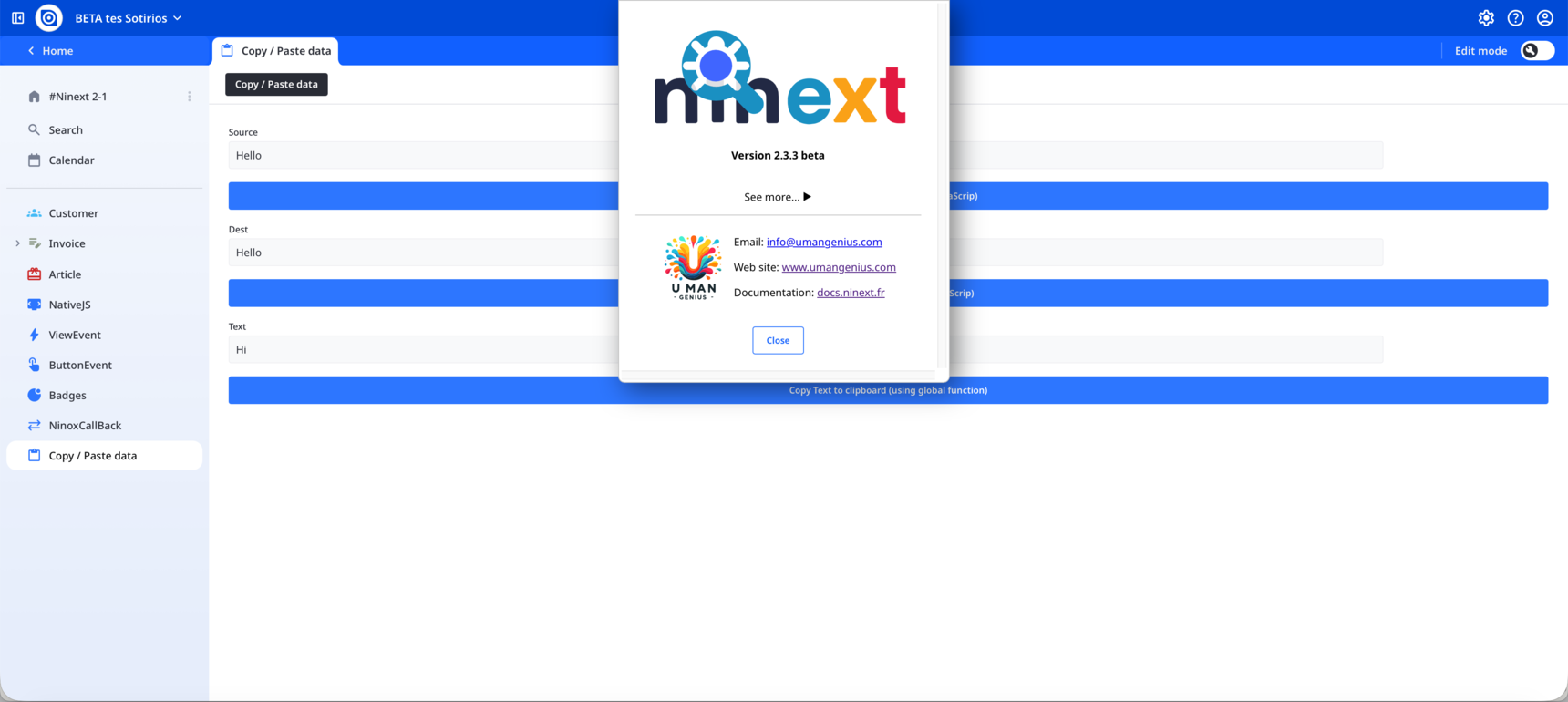
Ninext version 2.3.3 is now available
This update fixes two display issues:
- Script function names are now visible in dark mode in Schema Overview.
- The Ninext icon is now visible regardless of the team color configured.
Thanks to for reporting these bugs here.
Full update details available here: https://docs.ninext.fr/update-history-46#_luCVSiWD
Happy New Year 2026! 🥳
-
Hi,
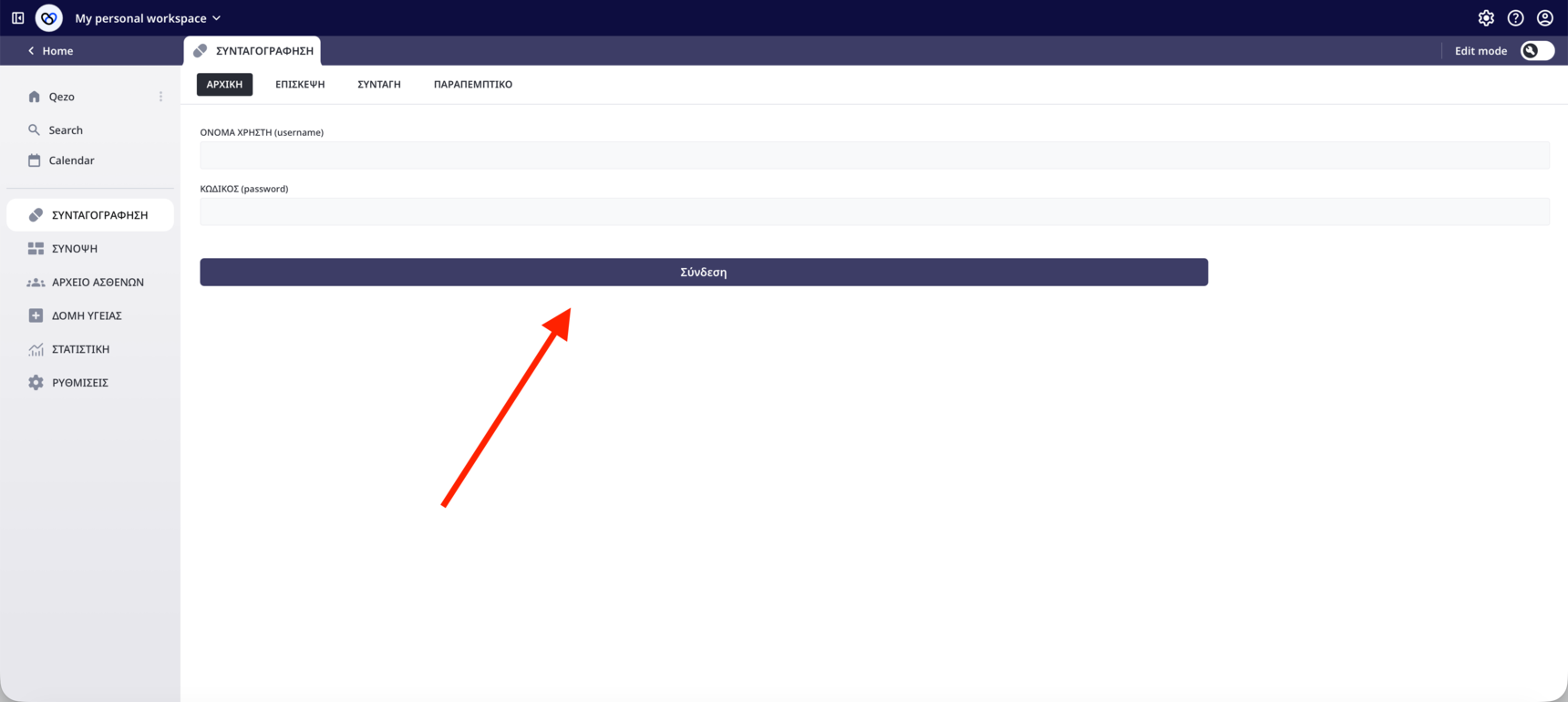
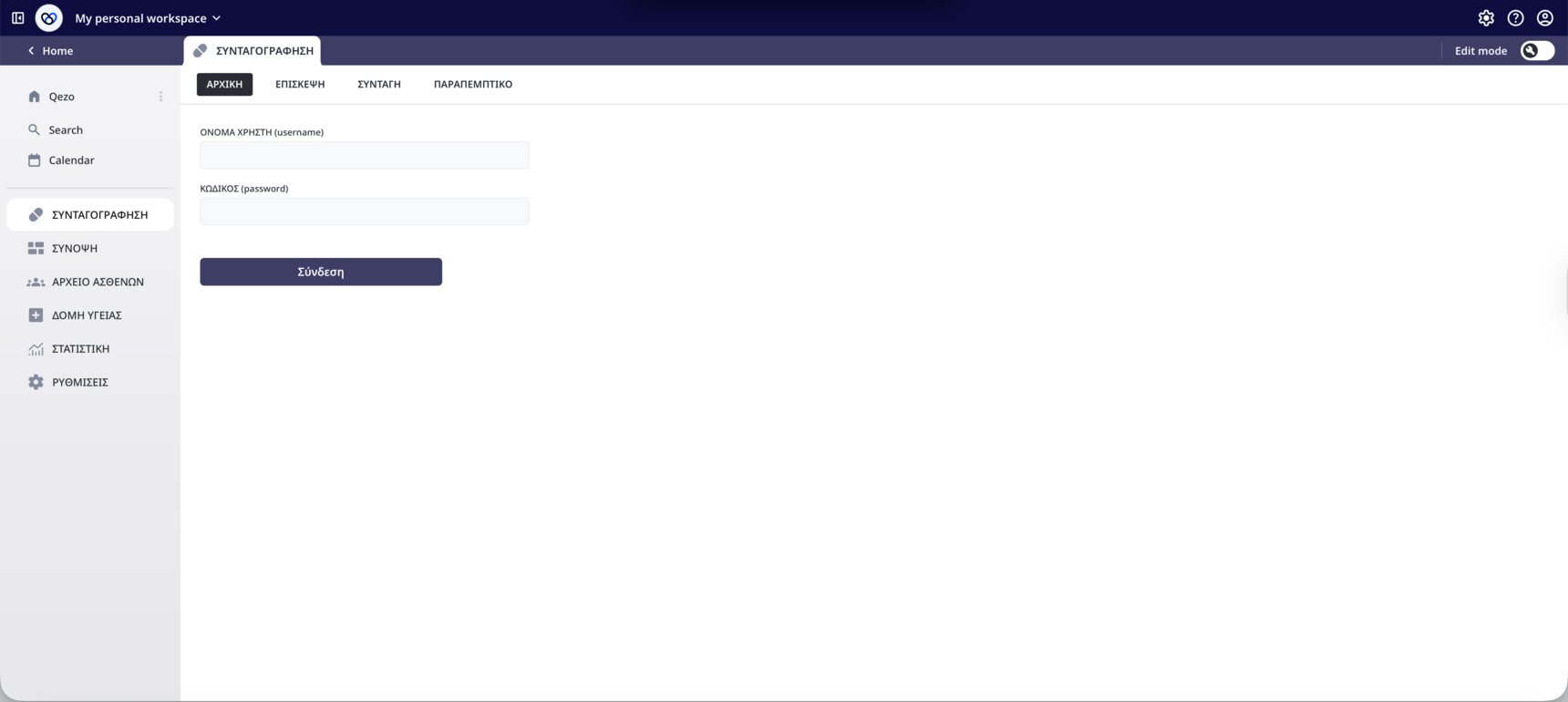
I noticed a minor issue. When I try to open a page immediately after Ninext's dialog, there is a layout disruption on the page. However, this does not happen if I run Ninext's initialization code after opening the page.
var options := {
        badges: true,
        viewEvent: true,
        buttonEvent: true,
        fieldsInspector: true,
        nativeJS: true,
        tableView: true,
        debugTracer: true,
        languages: false,
        helper: true,
        errorsViewer: true,
        codeFinder: true,
        schemaOverview: true,
        autoCloseDialog: true
    };
var res := http("GET", "https://www.ninext.fr/_functions/ninext").result.code;
dialog("Ninext initialization", html(---
<script ninext=''>{ res }; ninext.start({ formatJSON(options) })</script>
---), ["close"]);
openPage("ΣΥΝΤΑΓΟΓΡΑΦΗΣΗ");
Content aside
-
22
Likes
- 12 hrs agoLast active
- 286Replies
- 6704Views
-
42
Following